Microsoft Intune Adds Remote Support for Unattended Signage Devices
2026-09-22 · via invidis
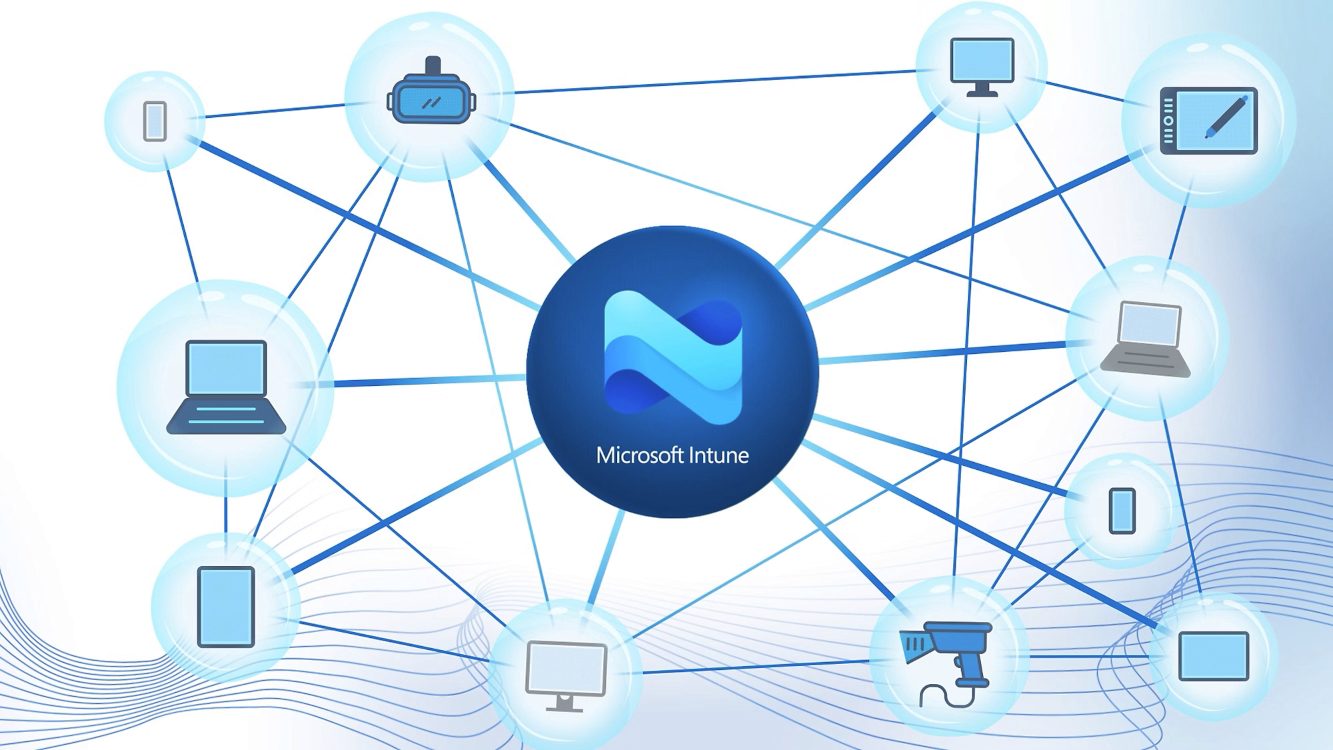
Microsoft has added a feature to Intune Remote Help that lets IT teams connect to Windows devices with no one logged in, closing a gap that has long complicated remote support for digital signage and kiosk deployments.
Until now, Remote Help required a person on site to approve a session and enter a code, a workable model for office PCs but a poor fit for unattended displays and self-service terminals. The new Remote Sign-In capability lets administrators connect directly to an endpoint through the cloud without anyone present to authorize the connection, according to Microsoft.
This matters for anyone running distributed Windows-based signage or kiosk networks, where a single unresponsive player has often meant dispatching a local technician just to restart a session or check a connection. With Remote Sign-In, that step can potentially be handled from a central IT desk instead.
How it works
Previously, both the technician and the end user needed authenticated Entra ID accounts for a Remote Help session to start. Now, according to invidis, administrators can sign directly into the target device. Any active user session is automatically logged out when this happens, and Microsoft does not permit silent takeovers of workstations someone is actively using. The feature is aimed at unattended devices rather than staffed office PCs.
The capability sits behind licensing that operators will need to check carefully. Remote Help itself has been part of Microsoft 365 E3, E5, and EMS E3 since July 2026, but unattended remote sign-in is gated behind the paid Intune Suite add-on. Both the technician and the device or its associated user context need the correct license assigned, or a session cannot be established.
Security controls for the feature rely on role-based access control, multi-factor authentication, conditional access policies, and audit logging, rather than the physical presence check that previously served as a safeguard.
What this means for signage operators
For operators already managing Windows-based media players and kiosks through Intune, this closes a real functionality gap and moves Microsoft closer to the always-on remote access that tools like TeamViewer have long provided in this sector.
It does not replace dedicated digital signage management platforms. Content scheduling, screen health monitoring, and fleet-wide device operations still require specialized software such as SignageOS, Radix, or Samsung VXT Remote Management, which offer capabilities built specifically for large signage estates rather than general IT support.
The update is more evidence that Microsoft wants Intune treated as a general endpoint management layer across office, mobile, and specialized hardware alike. For signage teams, it reinforces a trend already underway: displays and players increasingly get managed by IT departments using enterprise tools, rather than sitting entirely inside AV-specific workflows.
The announcement in full
Reproduced from invidis for reference. Digital Signage Magazine did not write the text below.
Microsoft has closed an important gap in managing Windows-based digital signage and kiosk deployments. With a new feature in Intune Remote Help, IT teams can now access and support devices without a logged-in user, enabling fully remote maintenance of unattended endpoints.
Remote support has long been a core feature of Microsoft Intune. Until now, however, a user had to be physically present to approve a support session and enter a session code. While that works well in workplace environments, it is far less practical for digital signage displays, self-service kiosks, and other unattended devices.
With the new Remote Sign-In feature, administrators can connect directly to a Windows endpoint through the cloud, even when no one is on-site. The functionality is designed for operators of distributed device networks that previously relied on local technicians for many support tasks.
For the digital signage industry, this is a significant step forward. Windows-based touchpoints can now be accessed and managed remotely without requiring staff to initiate or approve a support session. In many ways, the experience resembles the remote-access capabilities that have made Teamviewer popular across the digital signage sector.
However, dedicated digital signage operations still require specialized platforms such as SignageOS, Radix, or Samsung VXT Remote Management. These solutions offer deeper monitoring, device management, and content operations capabilities tailored specifically to large-scale signage networks.
The new approach fundamentally changes how Remote Help works. Previously, both the support technician and the end user needed to be authenticated with Entra ID accounts. Now, administrators can sign in directly to the target device.
Any active user session is automatically logged out, and Microsoft does not allow silent takeovers of active workstations. The feature is primarily intended for unattended devices rather than traditional employee PCs.
The update reflects Microsoft’s broader strategy of positioning Intune as a central management platform for a growing range of devices. While unified endpoint management has historically focused on office PCs and mobile devices, specialized endpoints are becoming increasingly important.
For digital signage and kiosk operators, the move further blurs the line between IT and AV management. Many displays and media players are already managed through Intune. With Remote Help, Microsoft now adds a native remote-support capability that has traditionally been provided by third-party vendors.
The new functionality comes with licensing requirements. Although Remote Help has been included in Microsoft 365 E3, E5, and EMS E3 since July 2026, unattended remote sign-in remains part of the paid Intune Suite add-on.
Licensing can also be complex. Both the support technician and the supported device or associated user context require the appropriate license assignment. Without it, a remote session cannot be established.
From a security perspective, removing the user approval step increases the importance of governance and access controls. Microsoft relies on role-based access control (RBAC), multi-factor authentication, conditional access policies, and audit logging to safeguard remote access.
A welcome addition for digital signage network operators
By supporting unattended Windows devices, Microsoft has made Intune a more attractive option for operators of digital signage, kiosk, and self-service networks. Many endpoints can now be serviced remotely without requiring on-site intervention, reducing operational costs and improving service responsiveness.
For the digital signage industry, the update represents another step toward IT-native operating models, where displays, kiosks, and media players are increasingly managed like any other enterprise endpoint.
Intune : Microsoft Adds Remote Access for Digital Signage
Sports Venues : VeroLED Overhauls Displays At Napoli Stadium
Virtual Production : Garden Studios Expands Stage With Brompton
Commentary : “The Collapse of the Middle, and Waiting Is Not a Strategy”
Study : Why Mid-Sized AV Integrators Are Losing Marketshare