Fusion Signage Adds Direct Canva Integration for Content Creation
2026-08-07 · via Digital Signage Today
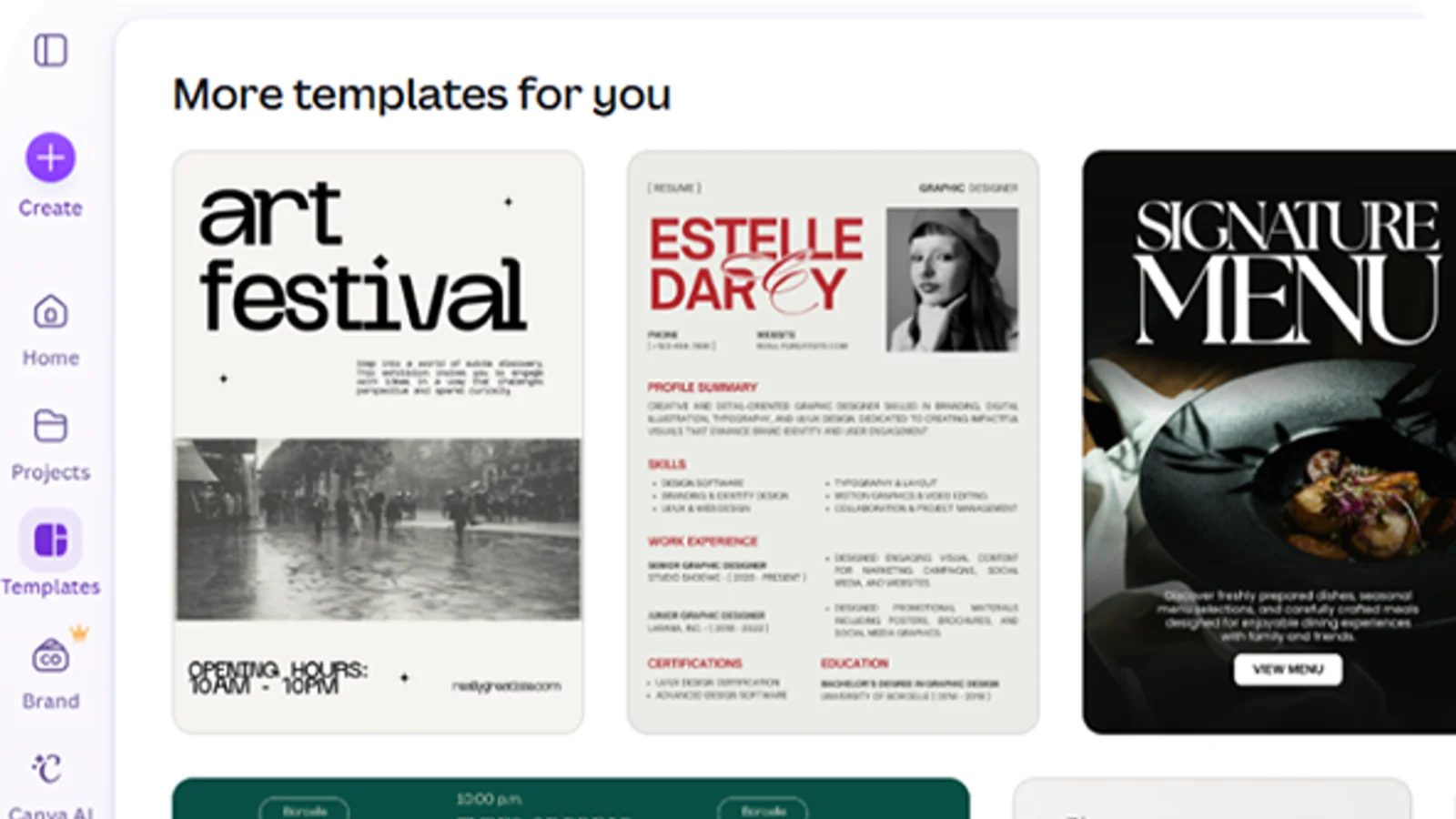
Fusion Signage has integrated with Canva, letting users create and edit content in Canva without leaving the signage platform's workflow. The Australia-based CMS vendor says the change removes several manual steps that previously slowed down content production for operators managing single screens or larger networks.
Before the integration, according to the company, Fusion Signage users who wanted to work in Canva had to design their content there, download the finished file, then manually upload it into Fusion Signage before scheduling and playing it out. That meant switching between two separate tools and handling files by hand every time a design changed.
With the integration, Fusion Signage says the process is now two steps. Users log into Fusion Signage, go to the Manage section, click Add, then Canva, which opens their Canva account. Once the design is finished, they click Return to Fusion Signage and the Canva asset appears in the media library like any other item.
Rebecca Filling, administration manager at Adventure Park Geelong and a Fusion Signage user, is quoted in the release praising the ease of the setup, saying her team previously built templates in Canva, downloaded them, and then had to recreate editable versions inside Fusion Signage. She says the direct connection removes that duplicate work.
What this means for operators
For teams already using Canva to produce marketing or in-store graphics, this closes a gap that has long been a friction point for CMS platforms generally: getting content out of a design tool and into a player-ready format without manual file handling. Several signage CMS vendors have added Canva connections in recent years as Canva has become a default design tool for small and mid-size businesses, so this brings Fusion Signage in line with competitors offering similar direct links rather than export-and-upload workflows.
The announcement does not say whether the integration supports Canva's animated or video content, whether updates made in Canva after publishing sync automatically to already-scheduled playlists, or whether there are limits on file size or design types. It also does not mention pricing or whether the feature requires a specific Canva account tier, such as Canva Pro or Canva for Teams. Operators evaluating the feature will want those details before assuming it fits their existing content pipeline.
Fusion Signage describes itself as used by more than 5,000 businesses in Australia, ranging from single-screen deployments to multi-location rollouts. The company did not provide a rollout date for when the integration became available or whether it applies to all subscription tiers.
The announcement in full
Reproduced from Digital Signage Today for reference. Digital Signage Magazine did not write the text below.
Fusion Signage, based in Australia, has integrated with Canva, connecting the design platform with Fusion Signage's digital signage software.
The integration gives users a faster and more seamless way to create, manage and publish visual content across single screens, multiple locations or entire screen networks, according to a press release.
"What I love most is how easy this makes things for us. We used to design templates in Canva, download them and then have to recreate editable versions in Fusion Signage. Now our team can edit directly in Canva as it is incredibly easy to connect Canva to Fusion Signage. We are and will definitely be using this integration in our workflow moving forward," Rebecca Filling, administration manager at Adventure Park Geelong and Fusion Signage user, said in the release.
Prior to the integration Fusion Signage users who designed content in Canva had to follow a specified and somewhat longer workflow. They would create in Canva, download the finished file, then manually upload it into Fusion Signage before scheduling and deploying it.
Connecting Canva to Fusion Signage takes just two steps. Users log into Fusion Signage, go to the Manage section and click Add, then Canva. That takes them to their Canva account. Once their design is ready, they click Return to Fusion Signage, where the Canva asset appears like any other media item.
Australia’s friendliest digital signage software
Used by 5,000+ brilliant Aussie businesses, for single screens to multi-location rollouts, Fusion Signage gives you an easy way to create, manage and deploy your digital signage content from one neat place.
Get the latest news and resources from Digital Signage Today.